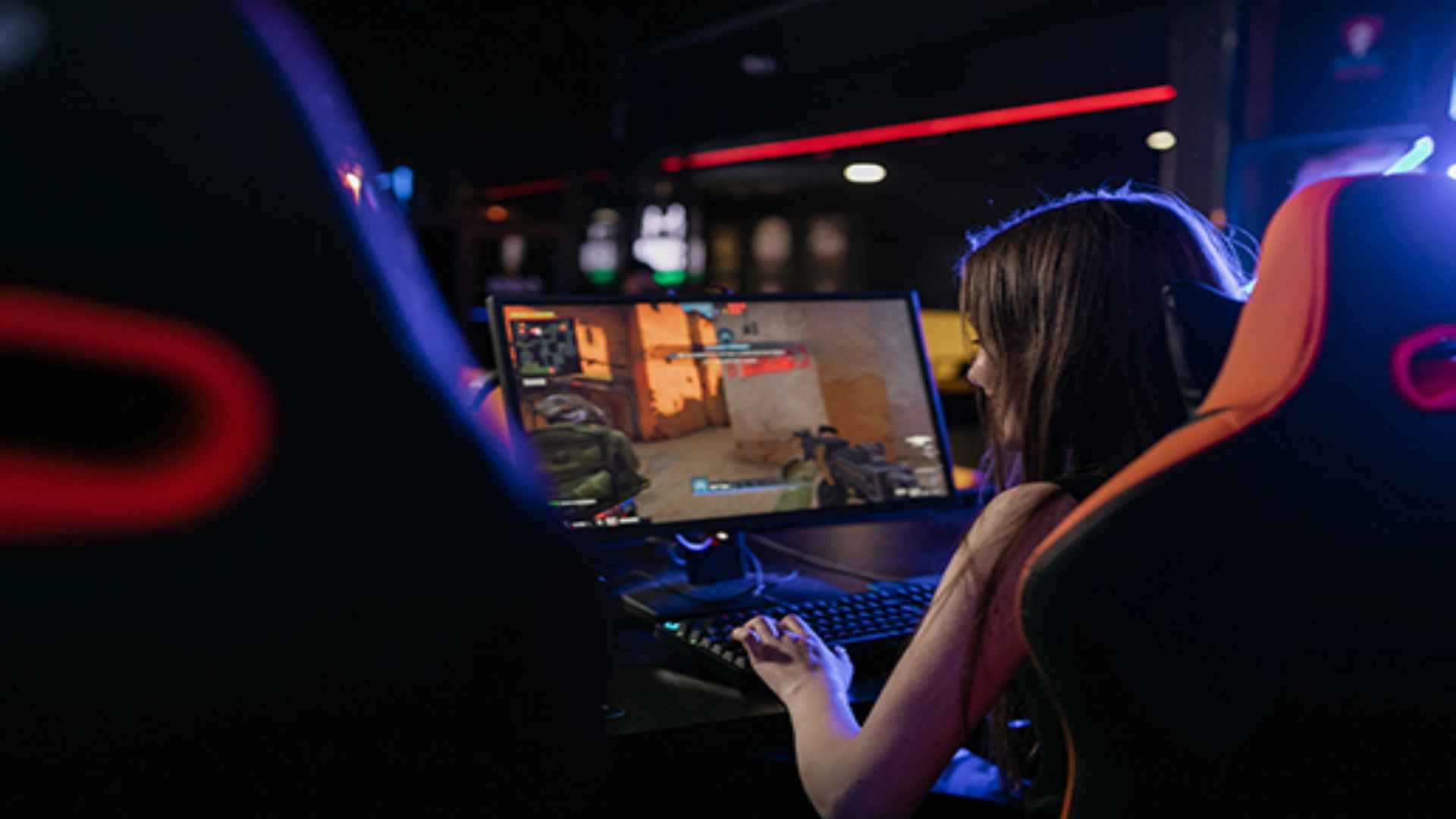
Mac users often face challenges when trying to enjoy popular Windows PC titles on their computers due to software compatibility limits. However, modern translation tools, virtual machines, and cloud streaming platforms have significantly widened the gaming possibilities for macOS hardware. Understanding how to navigate these compatible gaming options helps players select the best approach for their hardware setups.
Utilizing Native Porting and Compatibility Layers
Compatibility software like CrossOver and Whisky allows Mac computers to run Windows binaries directly without needing a full Windows installation. These translation tools interpret DirectX instructions into Apple Metal graphics API calls in real time to deliver smooth gameplay. Choosing this path provides an efficient way to launch Windows games locally while preserving storage space and system power.
While translation layers work exceptionally well for many strategy and role-playing games, compatibility varies depending on the specific title. Games protected by aggressive kernel-level anti-cheat software often fail to launch using translation methods. Testing specific titles through available trials or checking community compatibility databases ensures your preferred games run reliably before committing to setup steps.
Running Windows Virtual Machines on macOS
Virtualization software such as Parallels Desktop allows users to run a full Windows operating system alongside macOS simultaneously. This virtual environment creates a seamless bridge for running PC game launchers, system utilities, and full Windows titles directly on Apple silicon Macs. It offers excellent flexibility for gamers who want access to a complete Windows desktop environment.
Virtual machines excel at running older titles, indie projects, and strategy games that do not strain hardware resources excessively. However, because system resources like RAM and CPU cores must be split between macOS and the virtual operating system, demanding AAA titles may experience reduced performance. Allocating sufficient memory in the software settings helps maintain stable frame rates during gameplay sessions.
Exploring Cloud Gaming Services
Cloud gaming platforms like NVIDIA GeForce NOW and Shadow offer an alternative solution by executing game code on powerful remote servers. Since the actual rendering occurs in the cloud, players receive a high-definition video stream directly on their Mac screen with minimal local hardware usage. This approach completely eliminates local storage limits and hardware compatibility barriers for demanding titles.
Using cloud streaming requires a fast, low-latency internet connection to maintain responsive input during fast-paced multiplayer titles. For Mac owners with entry-level laptops, streaming provides access to ultra-settings graphics without causing overheating or rapid battery drain. It stands as one of the simplest methods to play demanding PC games on any Mac hardware.
Choosing the Right Gaming Setup for Your Mac
Selecting the best option depends heavily on your specific Mac specifications, network connection speed, and game library preferences. Local translation layers work best for offline single-player titles, while cloud platforms are ideal for graphics-heavy releases. Evaluating your hardware capabilities ensures a reliable and satisfying gaming experience across all your favorite PC titles.